
How to Draw Sigils in The Magus Circle (Without Getting Zapped)
How sigil drawing works in The Magus Circle: the hold-sketch-release loop, why bad shapes get you struck by lightning, and every setting that makes drawing easier.
FAQ
Why do I get struck by lightning when casting in The Magus Circle?
Do I need a drawing tablet to play The Magus Circle?
Can you move while drawing a sigil in The Magus Circle?
Why is my newly learned spell not registering when I draw it?
What is the input for drawing a sigil?
Every spell in The Magus Circle is cast with the same three-step loop: hold the cast input, sketch the sigil shape, release. The five boxes on the right edge of the screen are your equipped spells — each shows the exact shape you draw plus its cooldown countdown. There is no aiming step; the spell does its own thing once released, which means your attention stays on positioning and on drawing cleanly under pressure.
The loop is deliberately forgiving. The store page says it outright: even the most crudely drawn sigils still hold magic within. You do not need to be an artist — you need to be legible.

A Bullet Heaven Where You Draw to Cast Spells — JamesMISC
Why do bad draws get you struck by lightning?
If the game cannot read your shape, it punishes you with a lightning strike — a real HP cost that stacks with whatever the horde is already doing to you. Launch-week players described it exactly this way: “I’m getting struck by lightning even when I’m drawing it right, and when I just draw it wrongly it acknowledges it as a sigil.” The fix is usually mechanical, not mystical:
- Draw bigger. Small shapes compress the details the recognizer needs.
- Draw slower. Pen velocity matters to some recognizers; frantic scribbles merge into noise.
- Check the canonical form. Your spellbook shows the reference shape for each spell — compare it against what your hand is actually doing.
- Practice on slow enemies. The earliest enemies on the first planet are slow enough that you can complete several clean casts before danger closes in.
How strict is spell recognition, spell by spell?
Recognition strictness clearly varies. Two data points from launch-week players: Exsanguinate was reliably triggered by a single horizontal line (and most “w” shapes), which one player called generous to the point of trivializing that spell’s drawing; meanwhile the extraction sigil that ends a run was strict enough that the 1.0.2 hotfix specifically addressed its “descriptions and ease of cast” and added a tutorial for leaving the extraction circle.
| Situation | What players observed | Practical takeaway |
|---|---|---|
| Exsanguinate | A plain horizontal line casts it | Fast panic-button spell |
| Extraction sigil | Misfires made extraction impossible before 1.0.2 | Draw it deliberately, away from the horde |
| New-spell tutorial | Correct drawings sometimes failed to register | Enlarge the shape; retry after moving |
| General misreads | Random spells failing “despite mana levels” reported with Riptide | Check the spell list — some issues are bugs, not penmanship |
Recognition itself has been patched since launch: the 1.0.5 hotfix fixed gestures being “improperly recognize[d]” as forbidden. If you were getting zapped by shapes the game read as forbidden rather than merely sloppy, the current build should already behave better — and that is one more reason to update before blaming your penmanship.
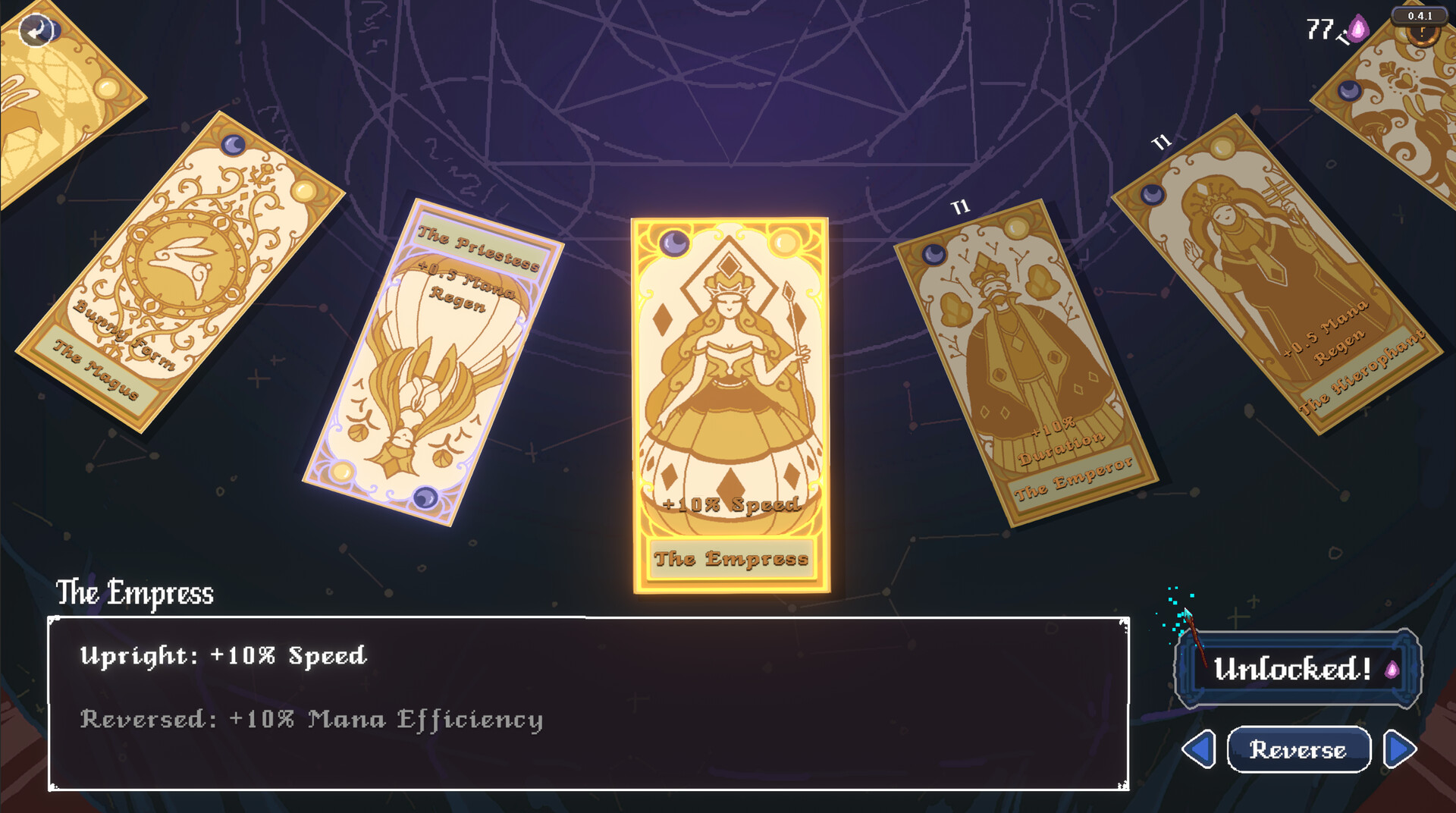
Can you move while drawing?
Yes — and you must. Casting does not root you, so the core rhythm of every run is a wide kite loop with a sketch happening mid-stride. This is also why the lightning penalty feels brutal at first: your drawing hand is busy while your movement hand is dodging. The game ships three escape valves, all in Settings:
- Slow time while drawing — the friendliest option; start here.
- Freeze time while drawing — stronger version, trivializes dodging but lets you learn shapes.
- Button-press mode — replaces drawing with a key press entirely; a valid accessibility choice, and several players cast this way by default.
One player got hit “almost 99.99% of the time” even in button-press mode until they realized the lightning was the misread penalty, not enemy contact — knowing which damage source is punishing you is half the fix.
What hardware works for drawing?
| Input | Status | Notes |
|---|---|---|
| Mouse | Recommended by the dev | The default and most reliable |
| Touchscreen | Supported | Windows tablets and Steam Deck touch both confirmed by players |
| Drawing tablet | Mostly works | Wacom may require disabling Microsoft Ink |
| Controller | Supported | Pairs best with button-press mode |
On Steam Deck, the default layout maps movement to the left stick and sigil drawing to the right trackpad; players confirmed touchscreen drawing also works there after the Day 1 patch fixed the default controls.
How do you actually get good at it?
Deliberately practice one shape per run. Pick a spell slot, draw its sigil ten times against slow early enemies without firing the rest of your bar, then re-add complexity. When you can cast your whole bar while orbiting a horde, the game opens up — from there it is upgrade selection, and our beginner guide covers what to pick and why, while the mages roster shows whose kits reward which drawing habits.
Sources: Steam store page, By Witchlight launch announcement, and launch-week reports from the Steam community forums. Screenshots © By Witchlight.
Related Articles
Guides
The Magus Circle 1.2 Update: Halloween Decor, Balance Changes and the OST
The Magus Circle 1.2.0 update (October 31, 2026): Halloween mansion decor with dust doots, ten official balance changes from Earthward to Meteor Swarm, and fixes.
OpenCharacters
Chicha Guide: Recipe Line, Reversed Aeon and Overgrowth
Chicha in The Magus Circle — the Dark Chicha recipe tie, the Reversed Aeon and Overgrowth patch-note lines, and what stays unverified about her kit.
OpenGuides
Anima Guide: The Meta Currency, Its Cap and Every Official Note
Anima is The Magus Circle's meta currency — wagered at Odds' bar, granted 300 per mage unlock, and capped in 1.1.0 so it can no longer integer overflow.
OpenWas this helpful?
Thanks for the feedback!